AI Image Generator
Describe the picture you want and pick the model to make it: Nano Banana Pro, GPT Image 2, Seedream, FLUX.2 or Grok Imagine. Every image on this page came out of Leap.
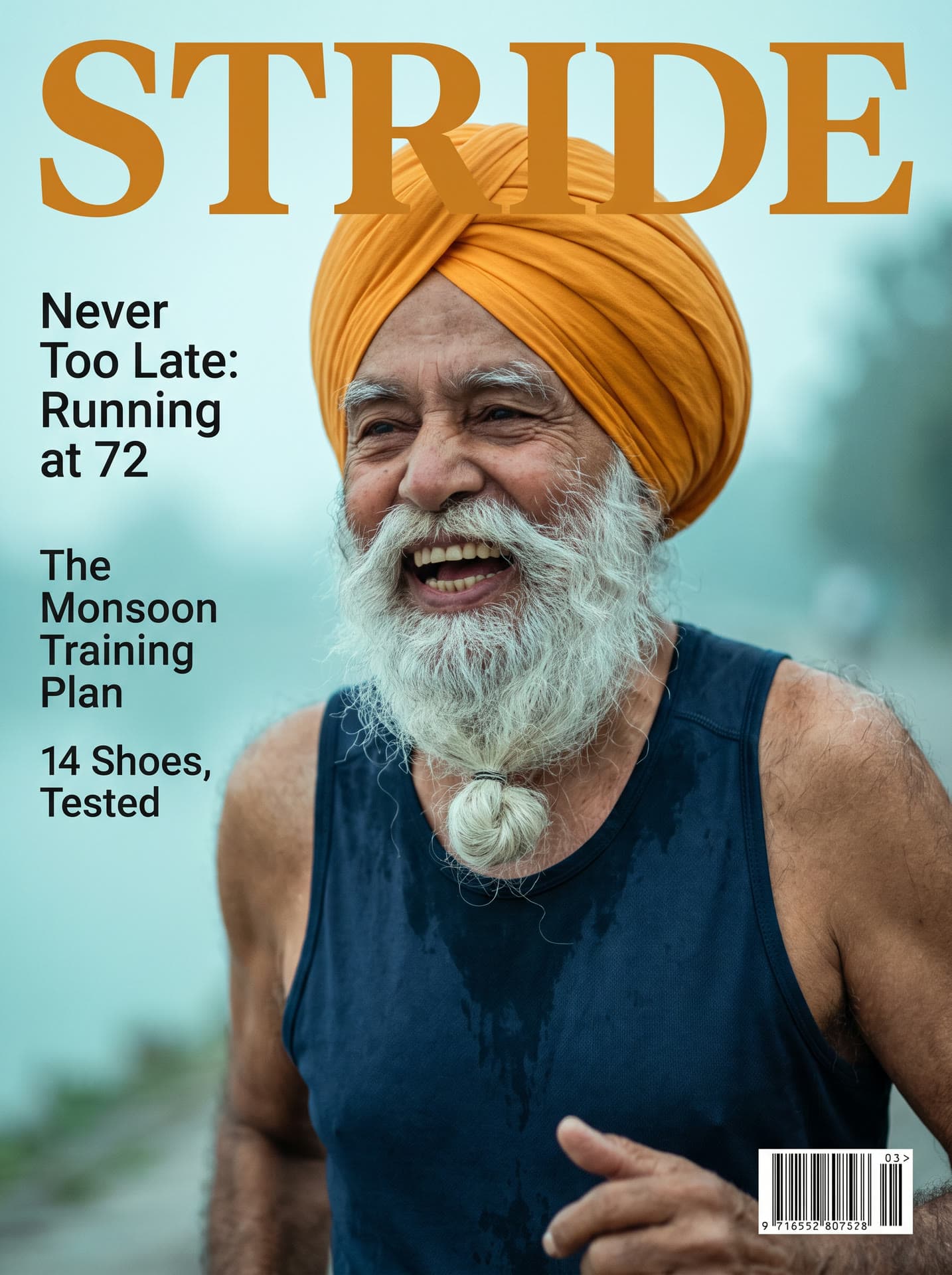
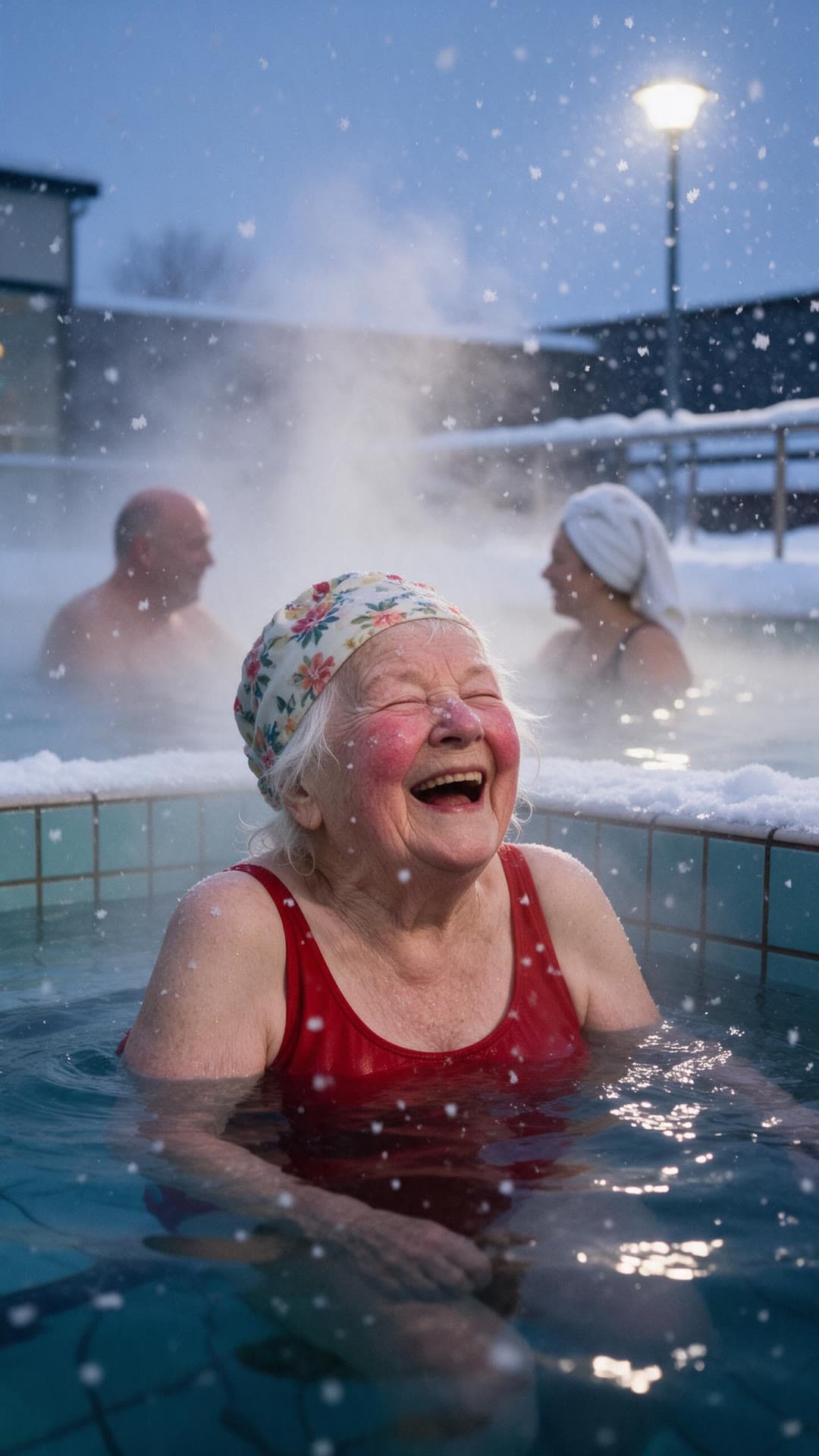
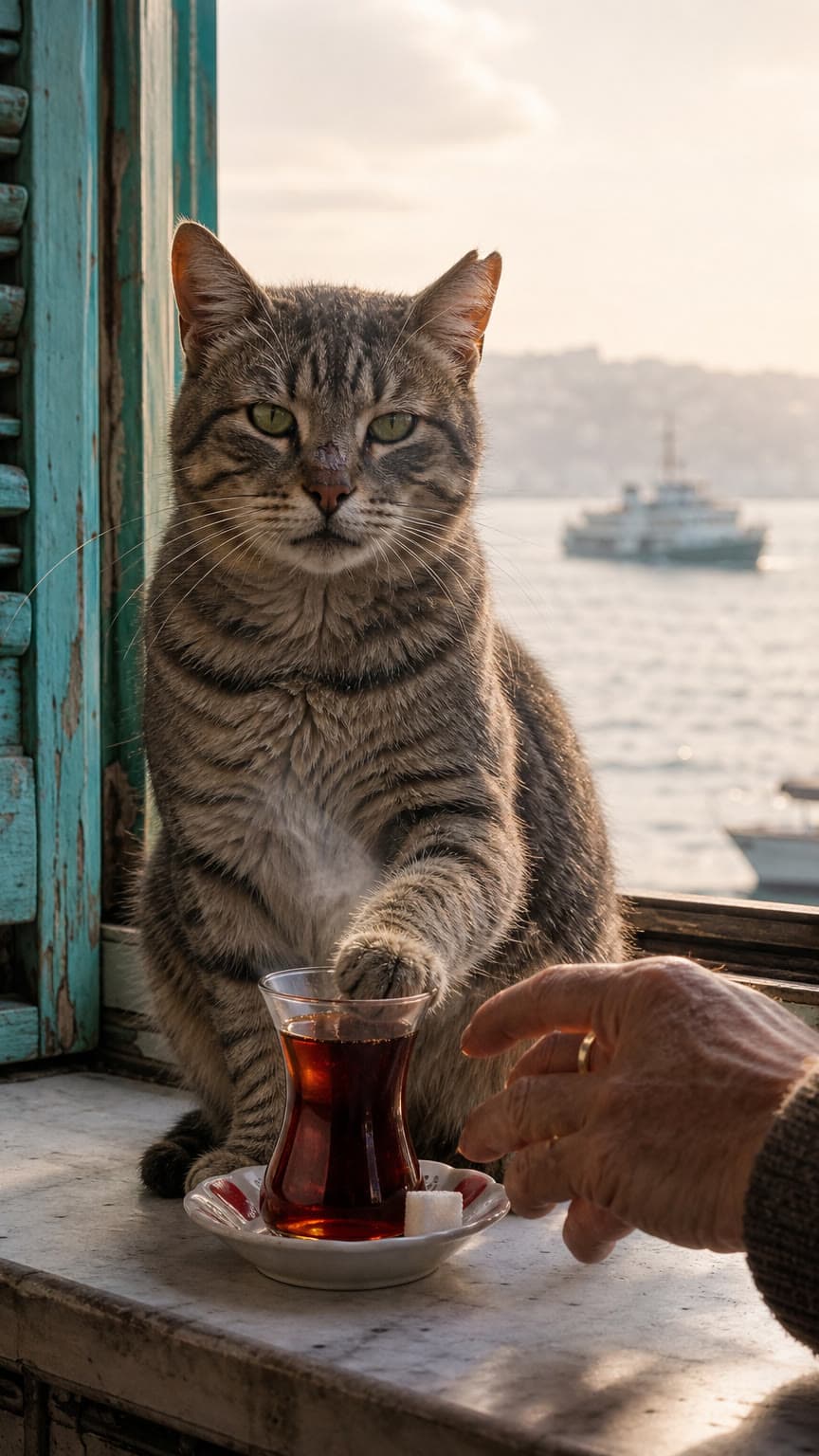
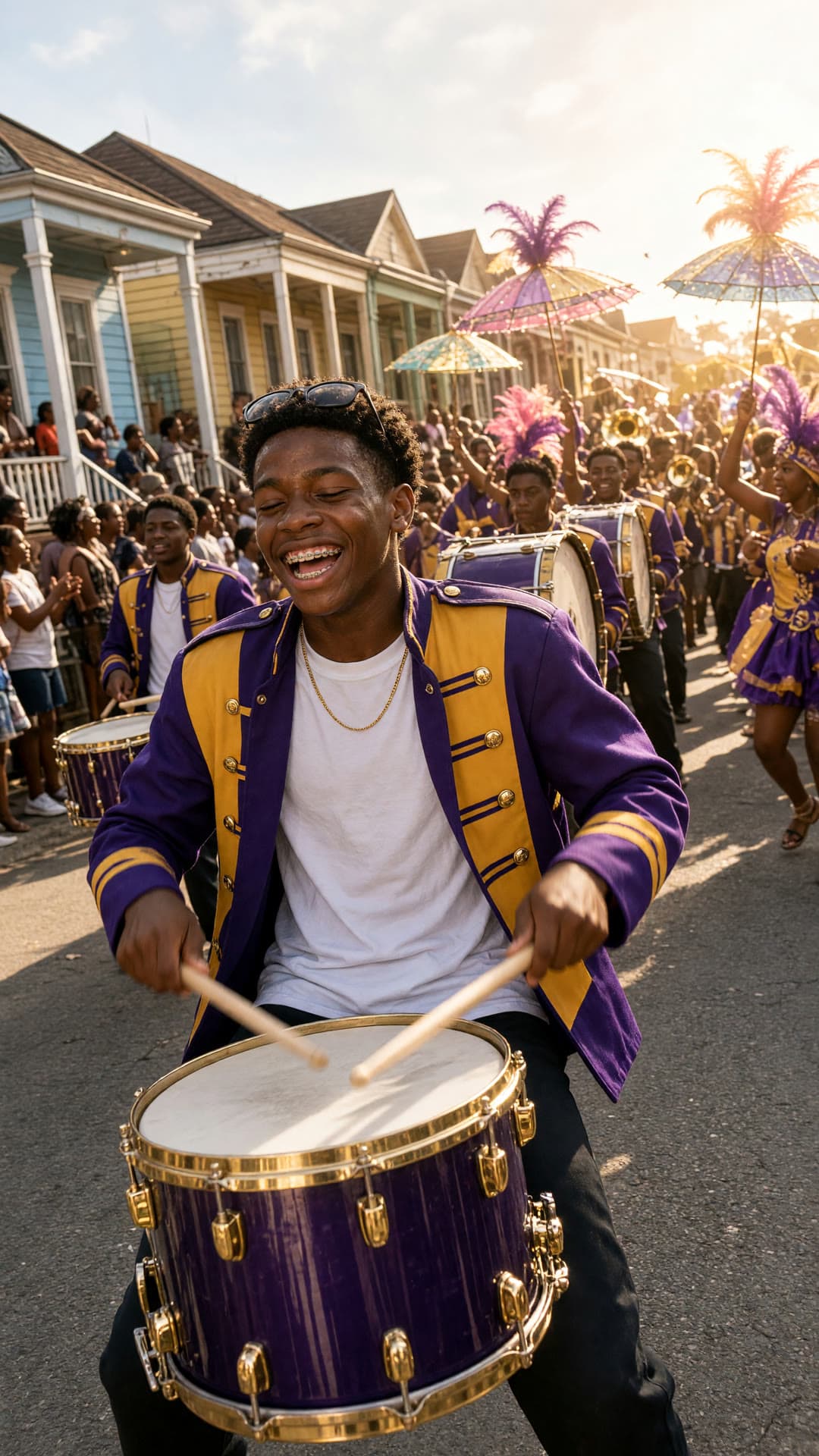
Made on Leap, one prompt each
Real runs, unretouched, each with the model that made it. Most open to the prompt behind them. For watercolor, oil, ink, pixel art and other mediums, see the AI art generator.
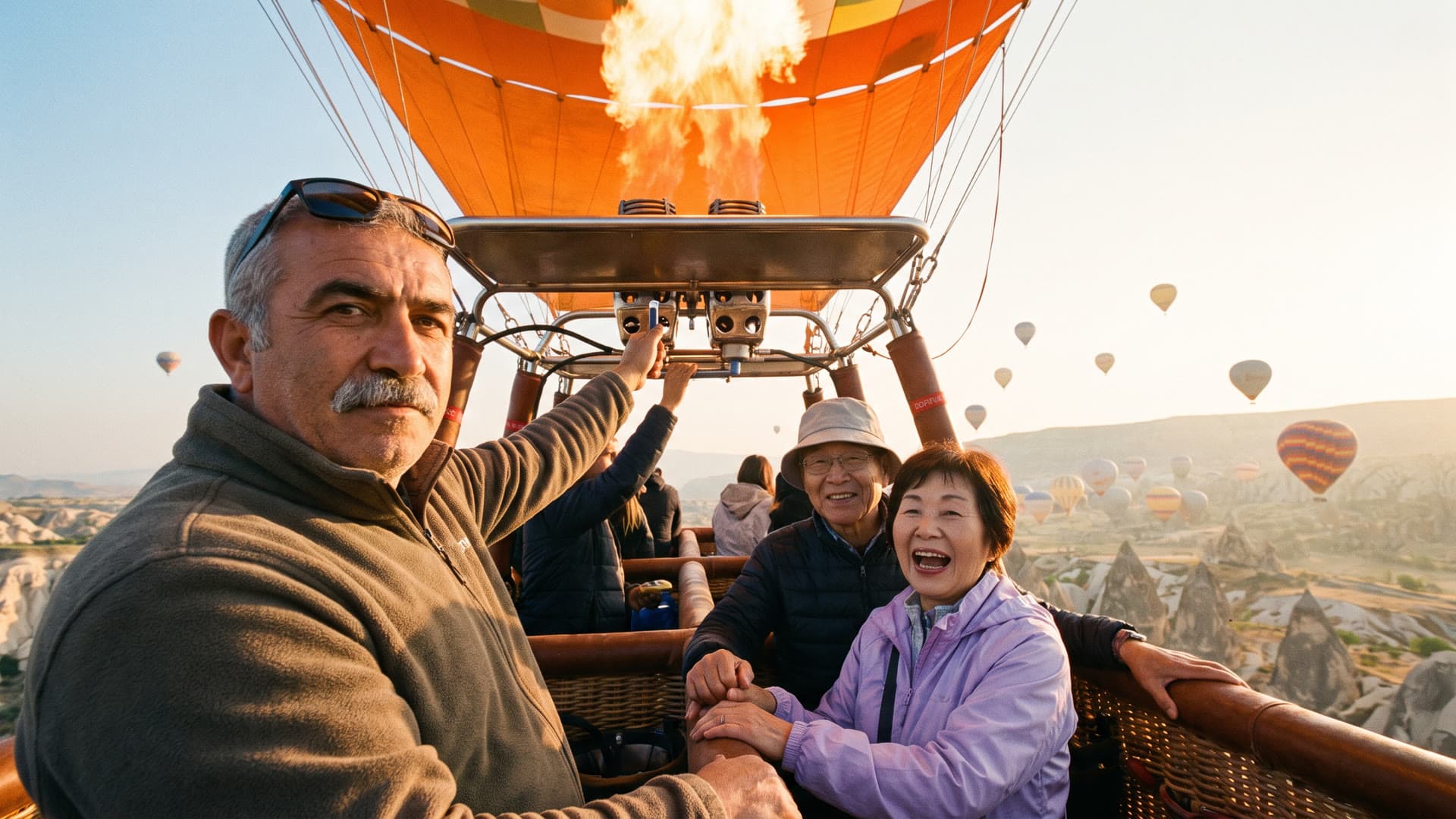
BurnerNano Banana Pro 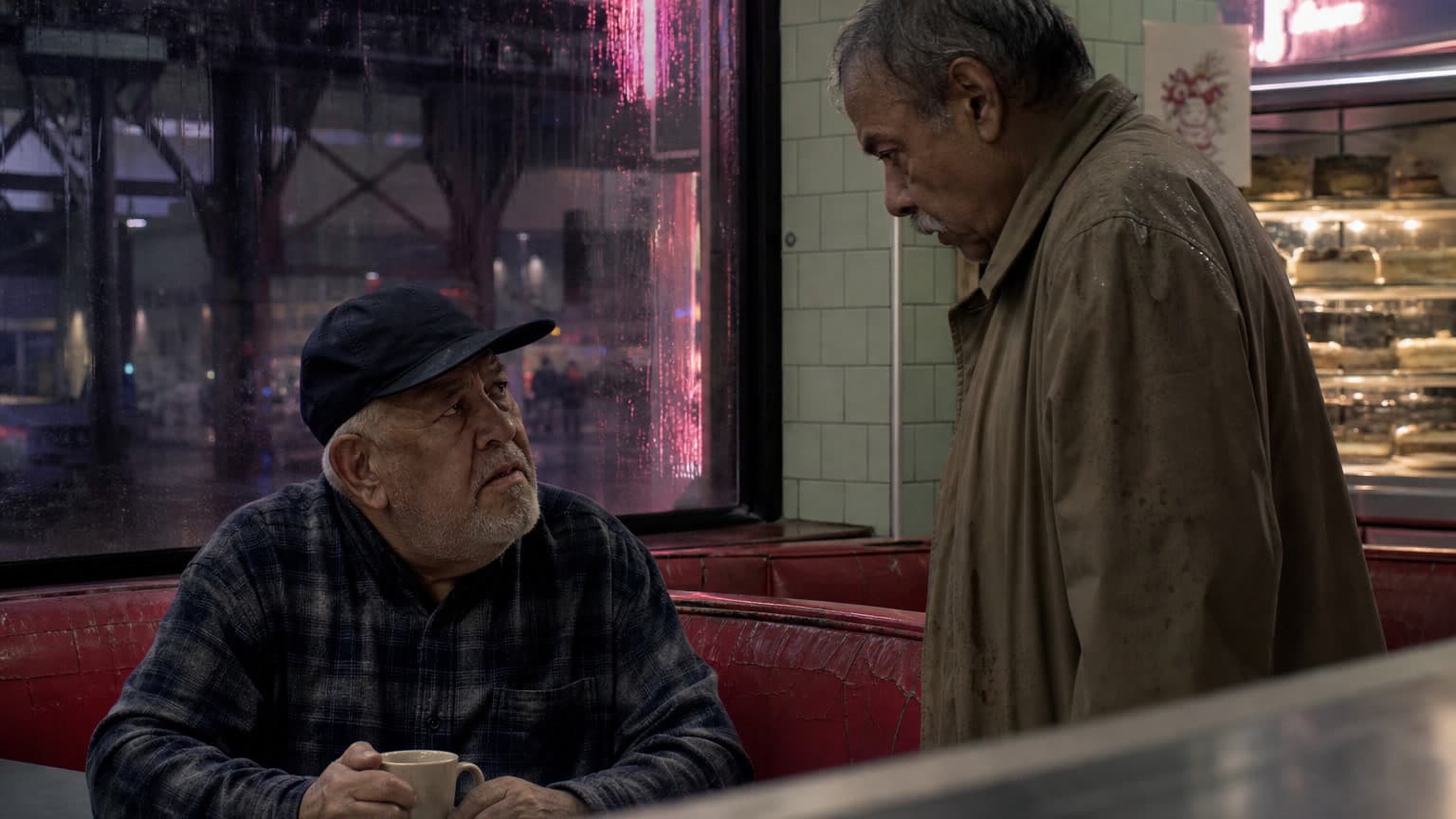
Nine yearsGPT Image 2 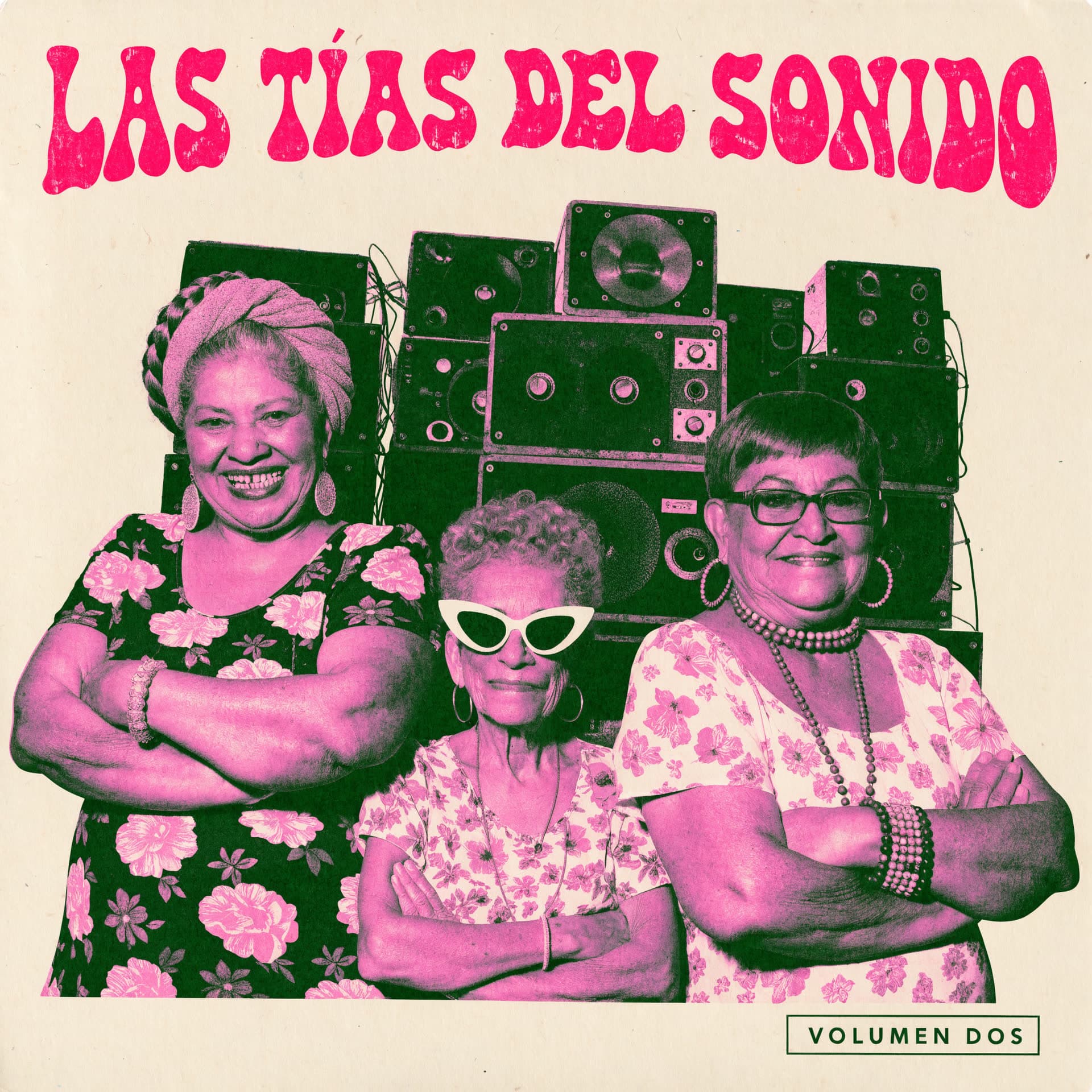
Las Tías del SonidoRecraft V4.1 Pro 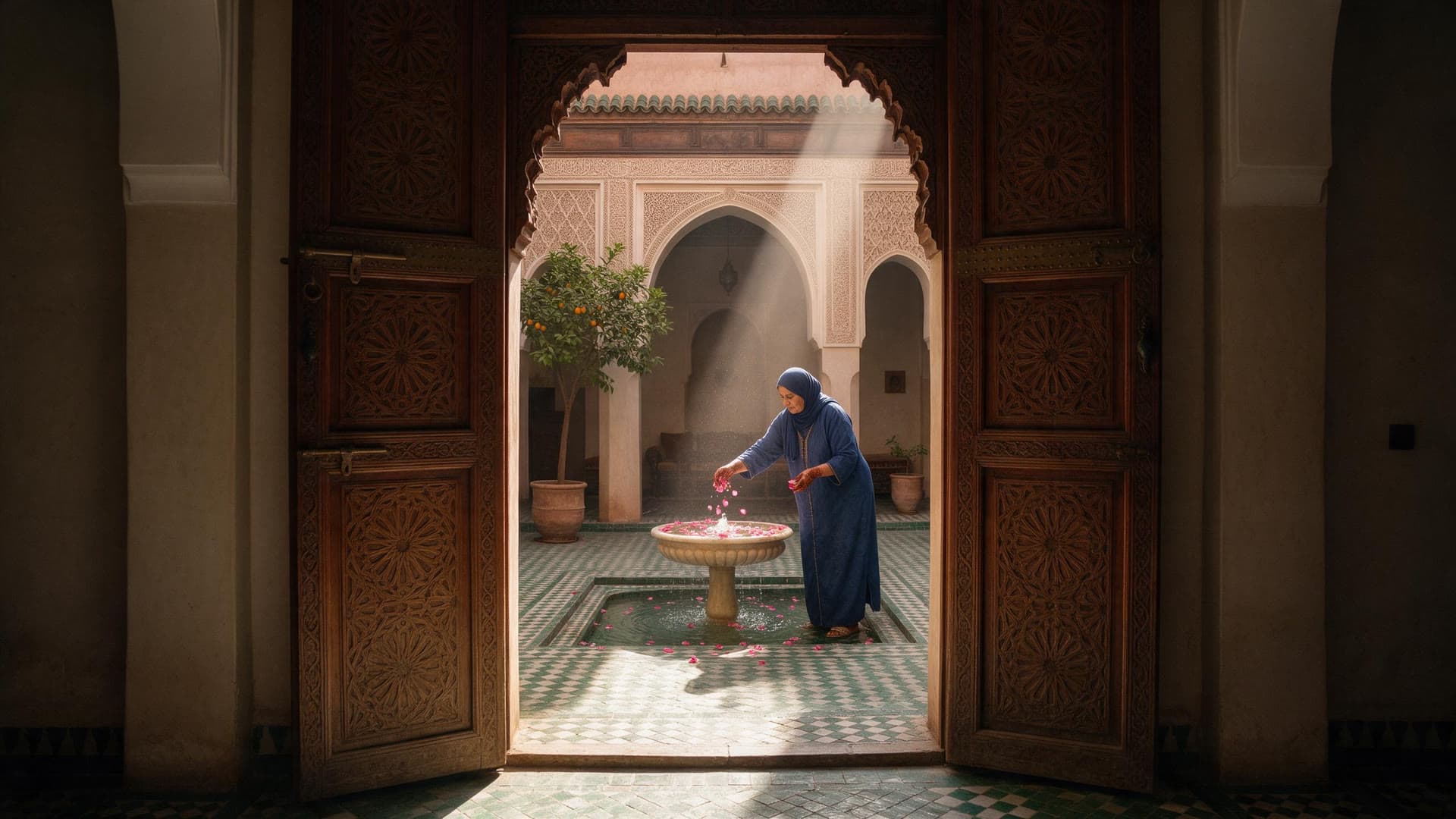
RiadSeedream 5.0 Pro 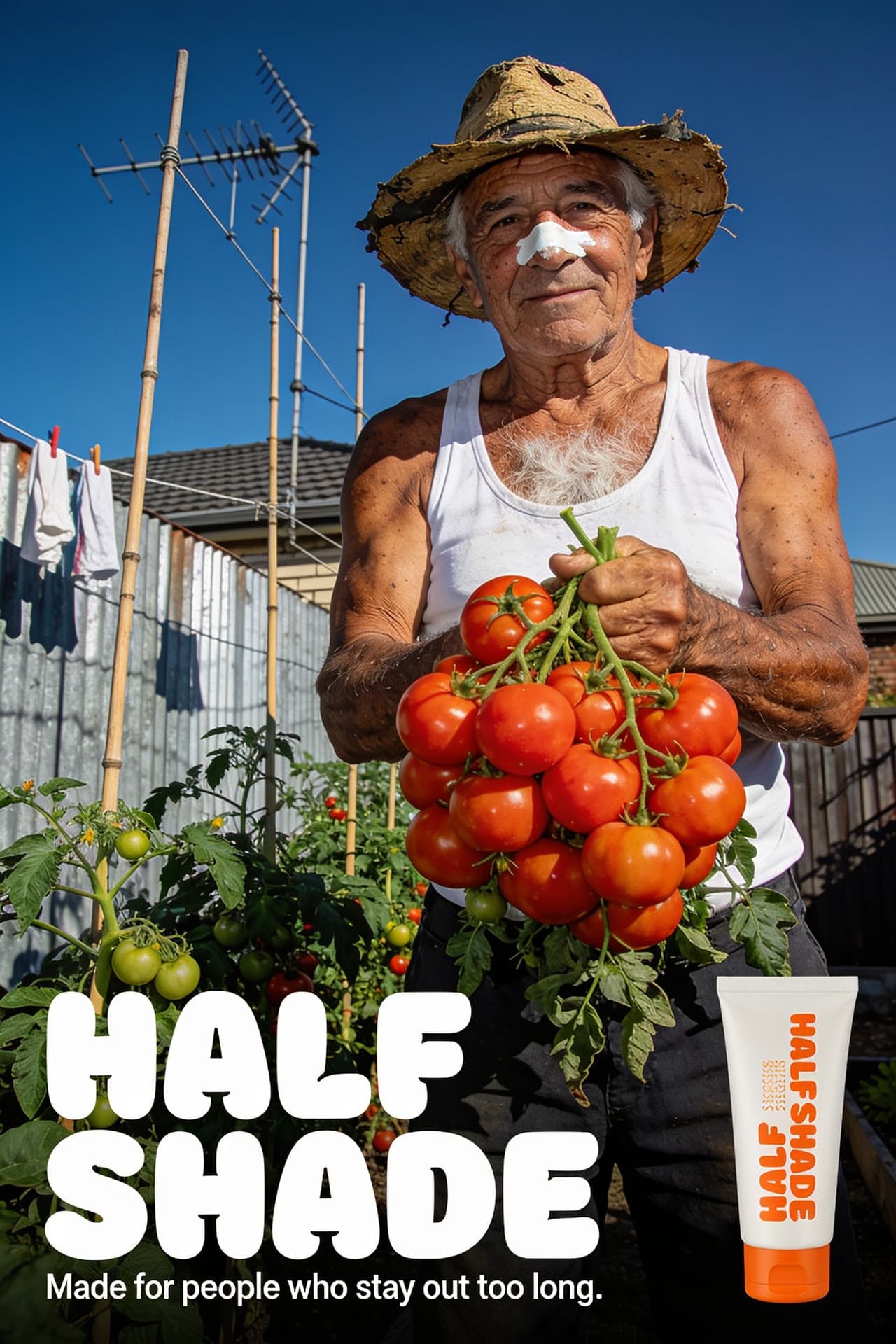
Half ShadeSeedream 4.5 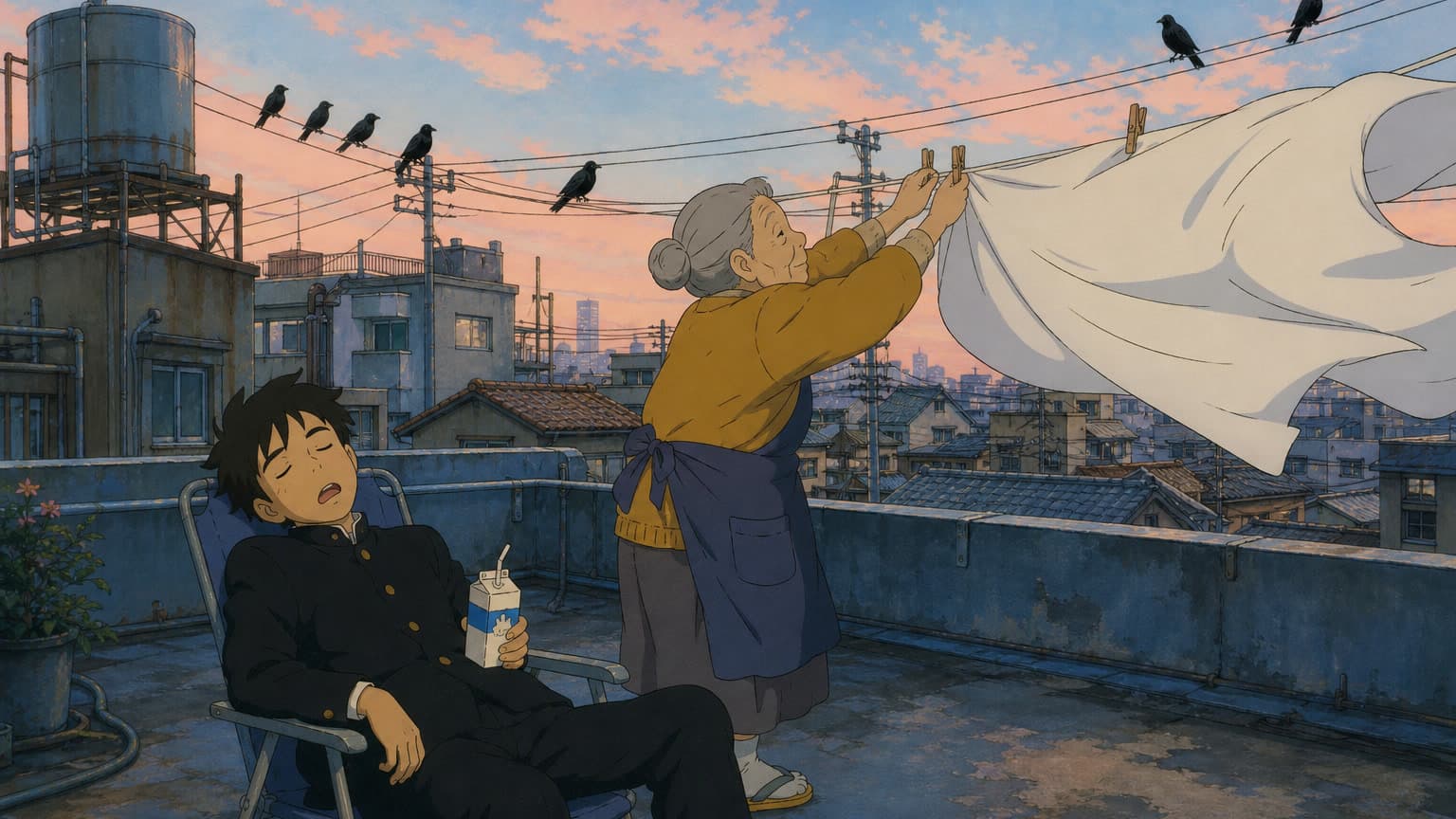
Laundry dayGPT Image 2 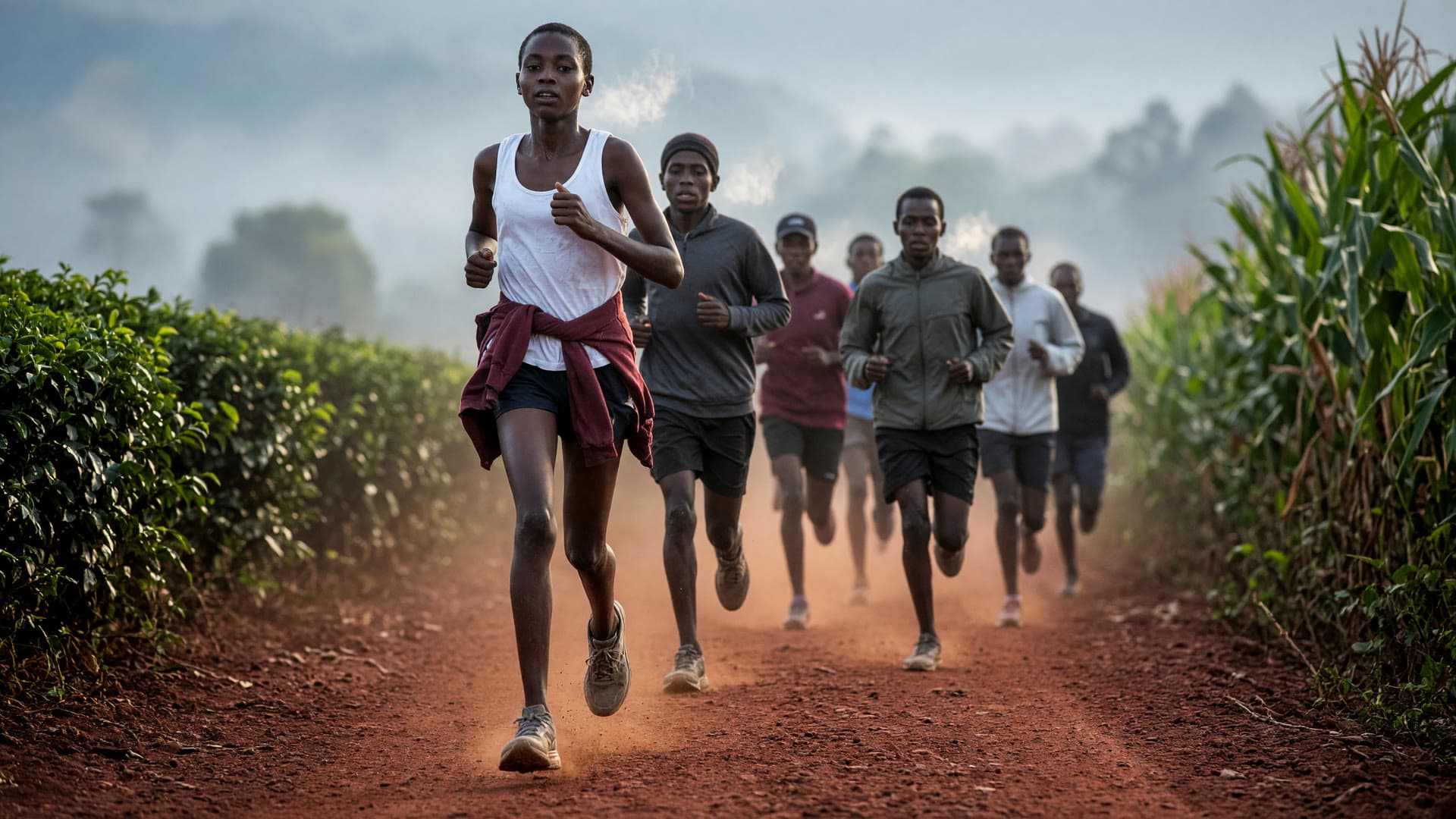
Dawn run, ItenGrok Imagine 2.0 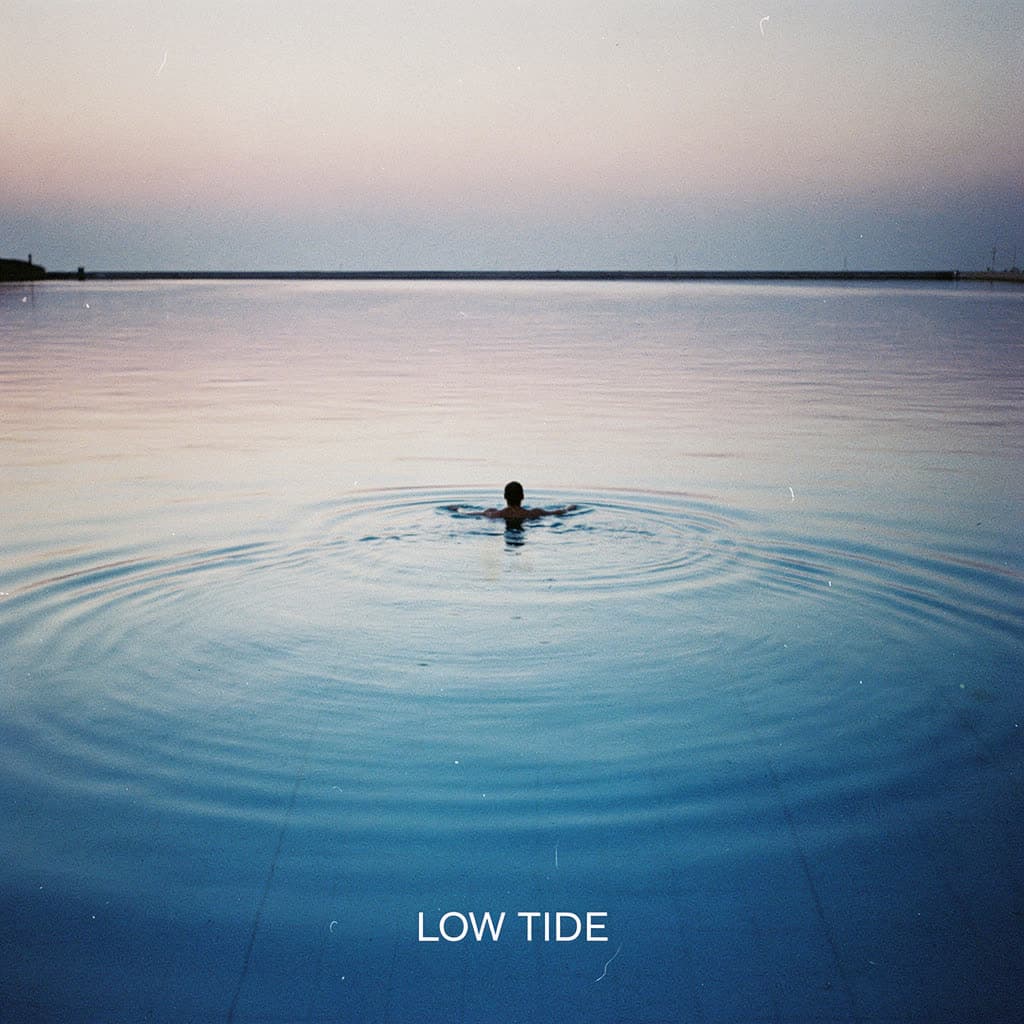
Low TideFLUX.2 [pro] 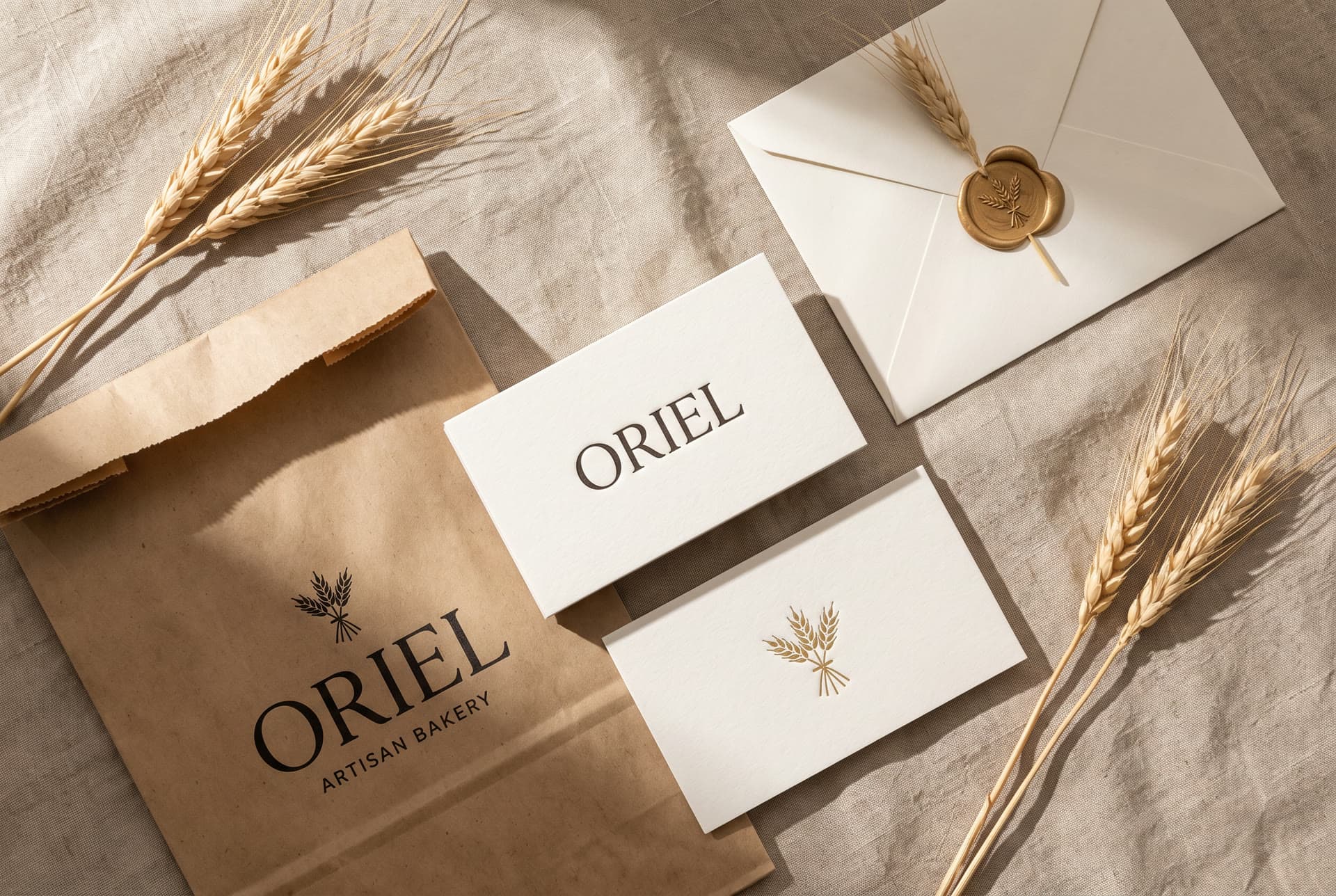
Bakery identityNano Banana Pro 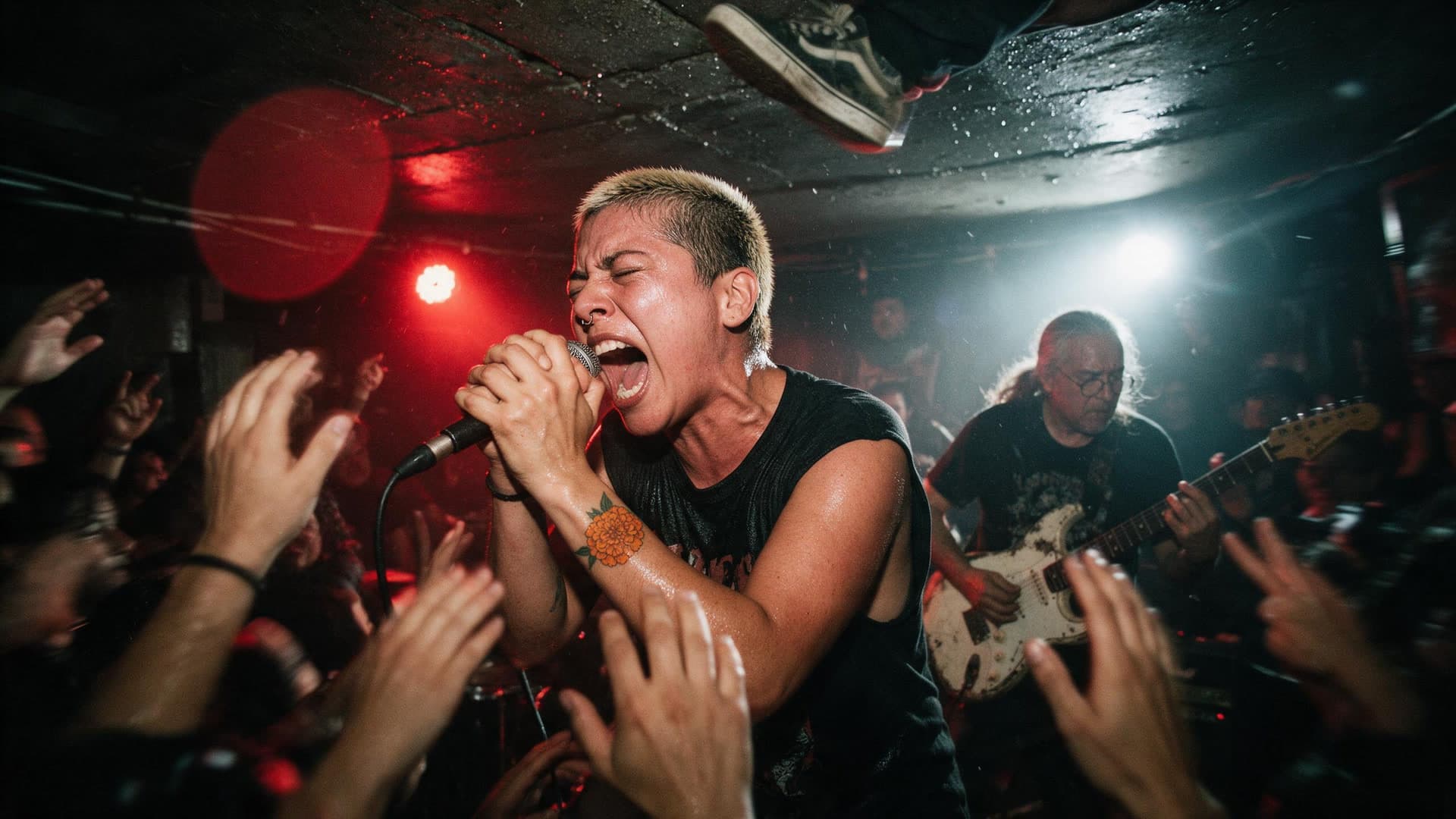
Basement showSeedream 5.0 Pro 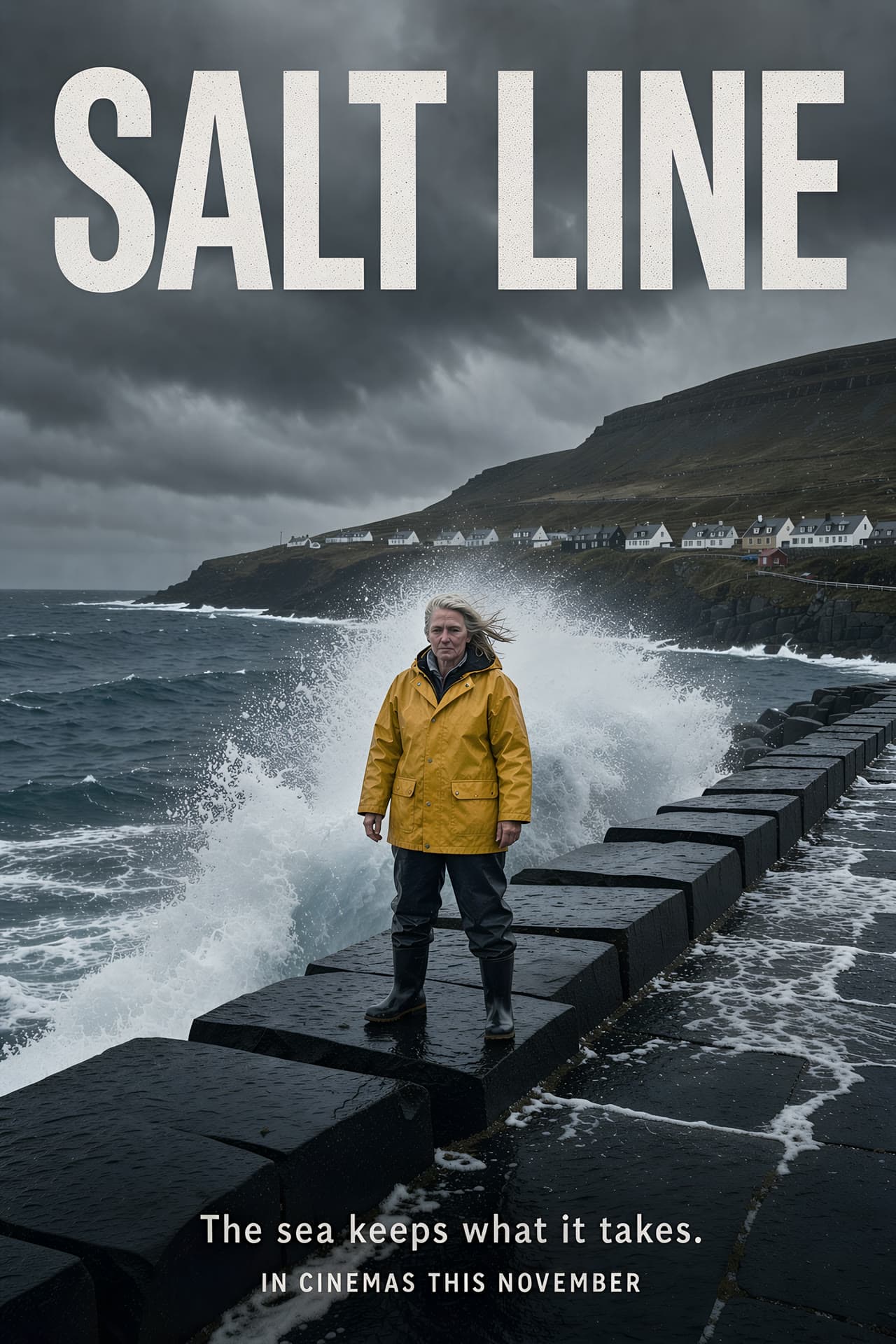
Salt LineFLUX.3 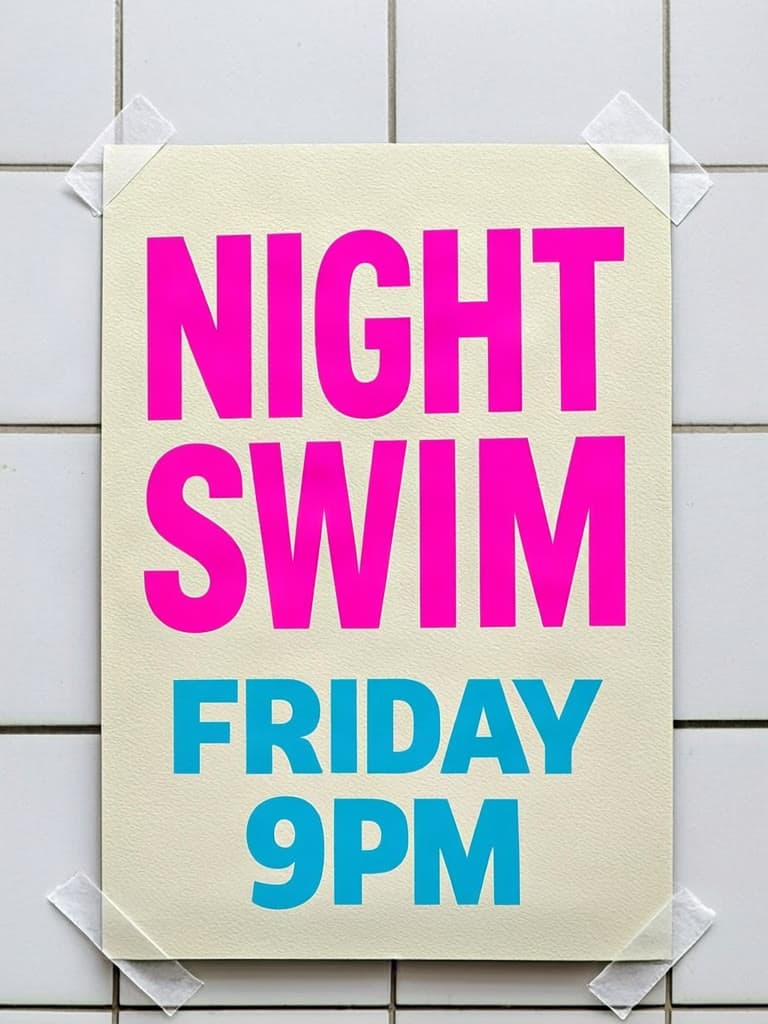
Night SwimGLM-Image 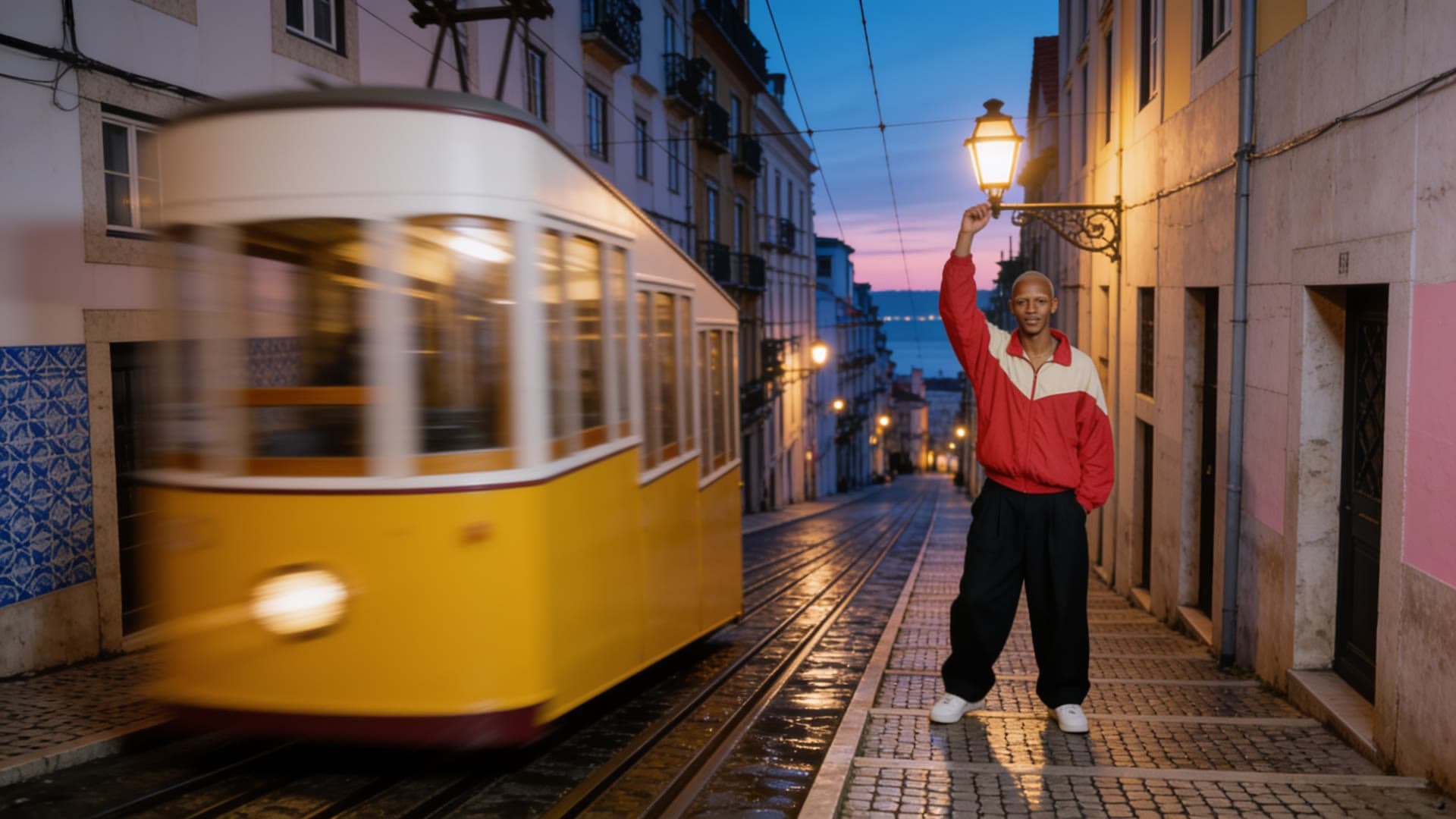
5 da manhãSeedream 4.5 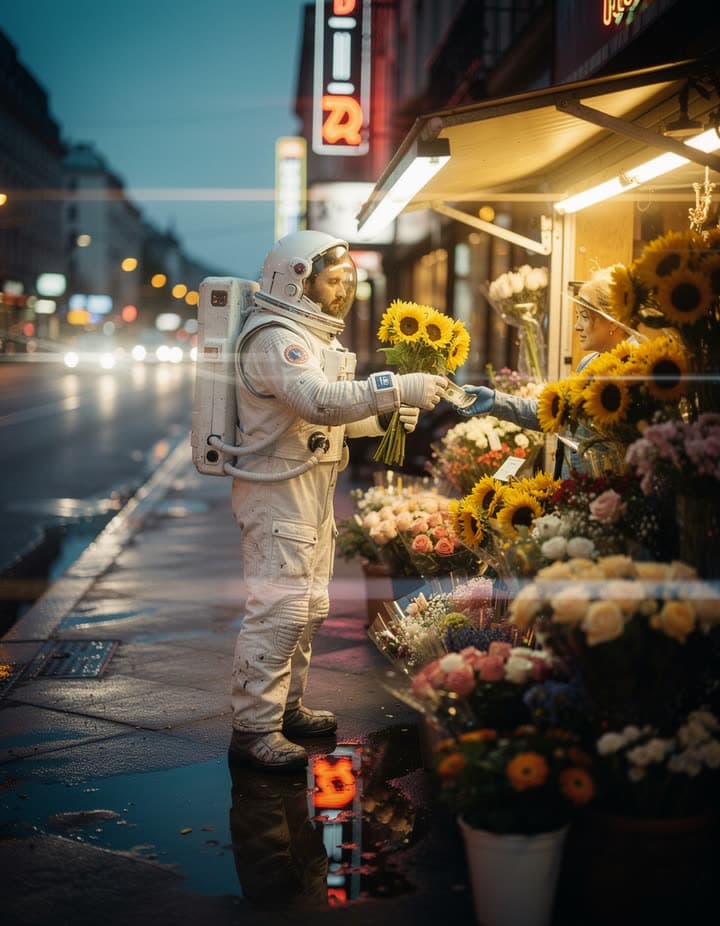
SunflowersFLUX.2 [max] 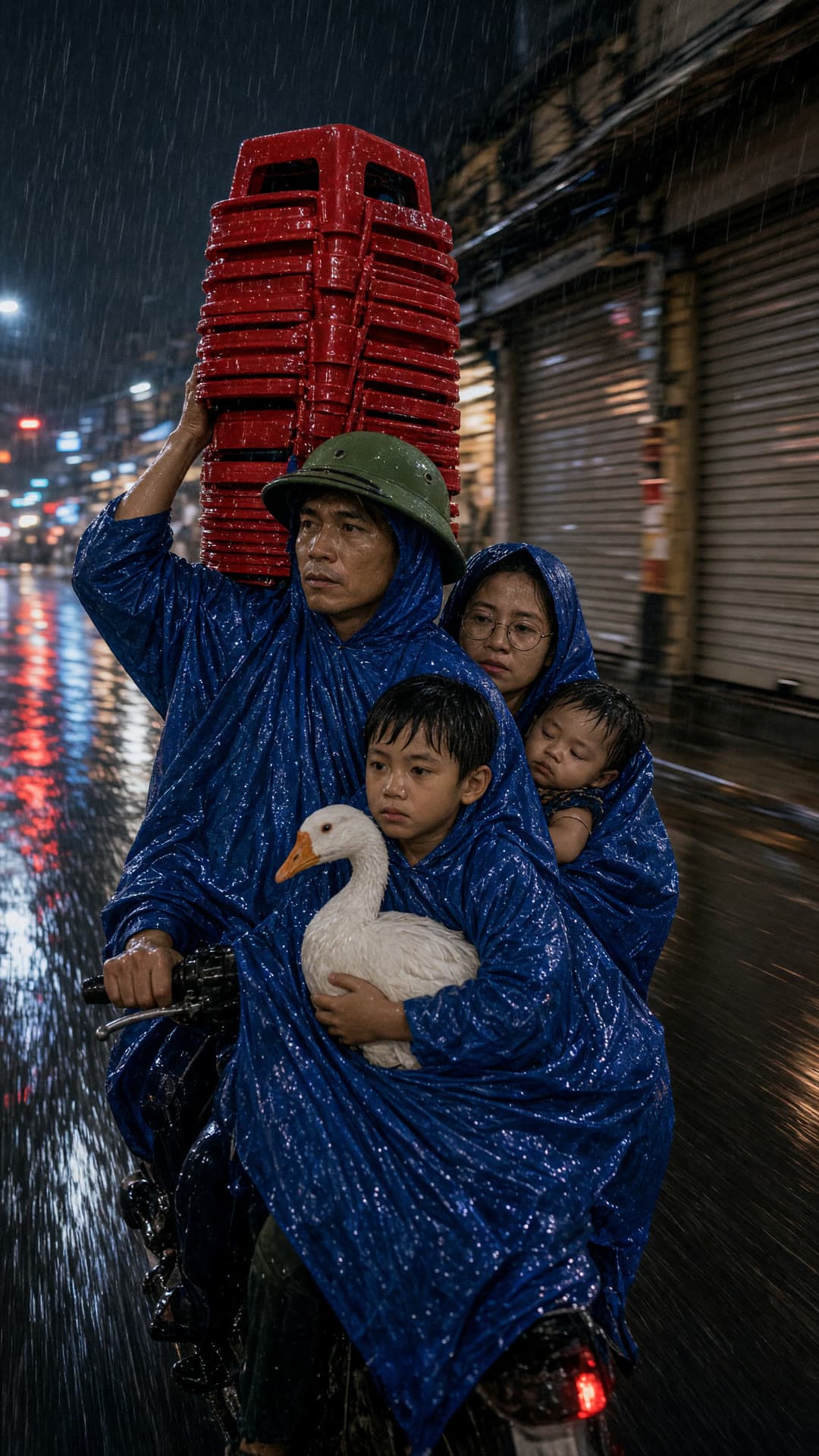
Four on a scooterGrok Imagine 2.0 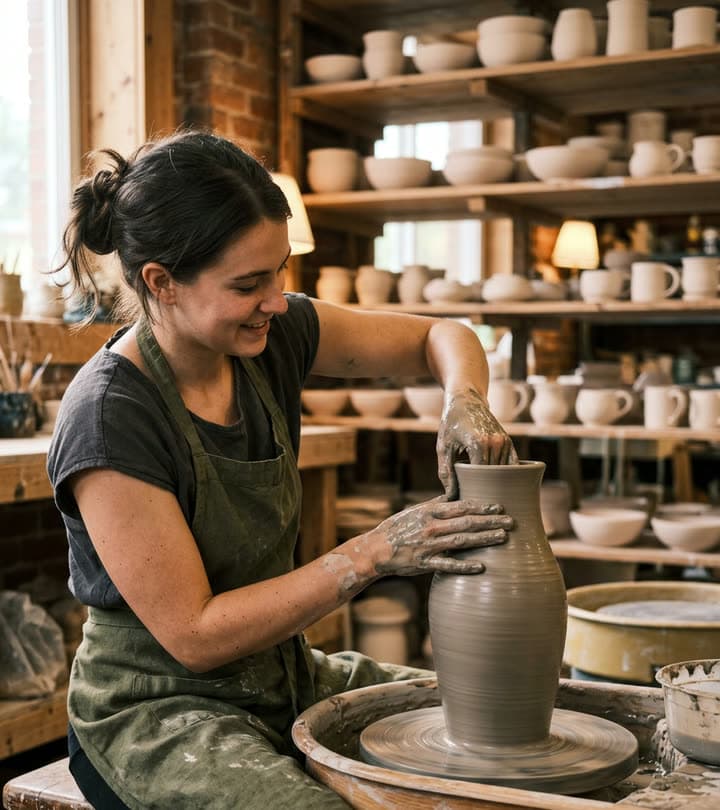
The potterNano Banana 2 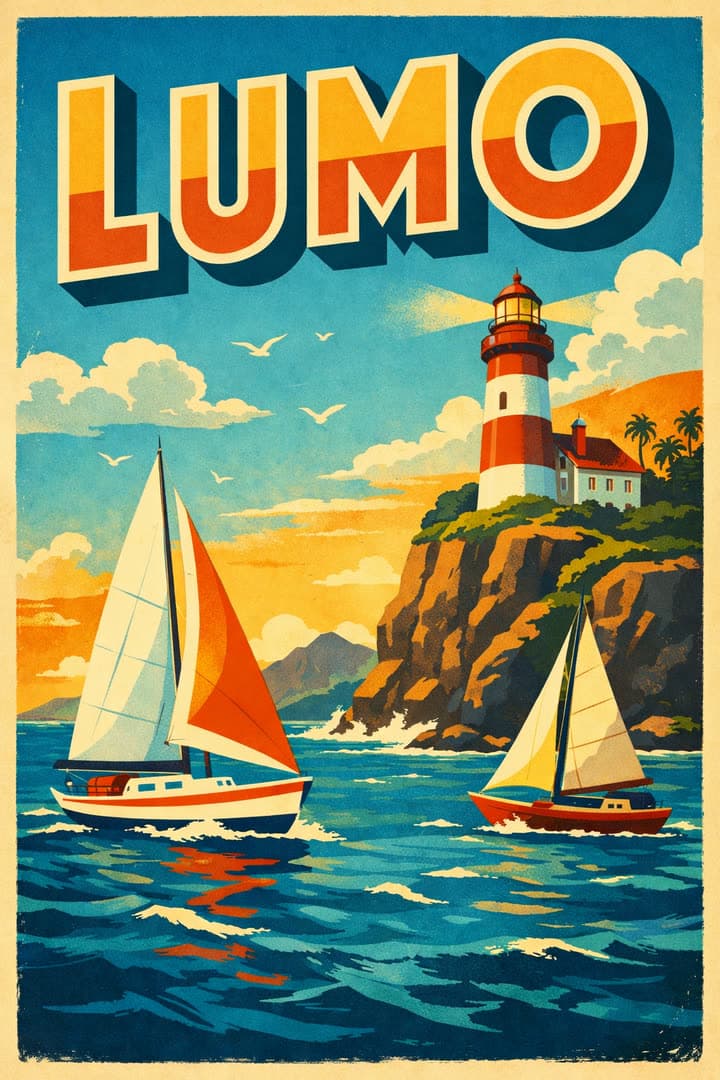
LumoGPT Image 1.5 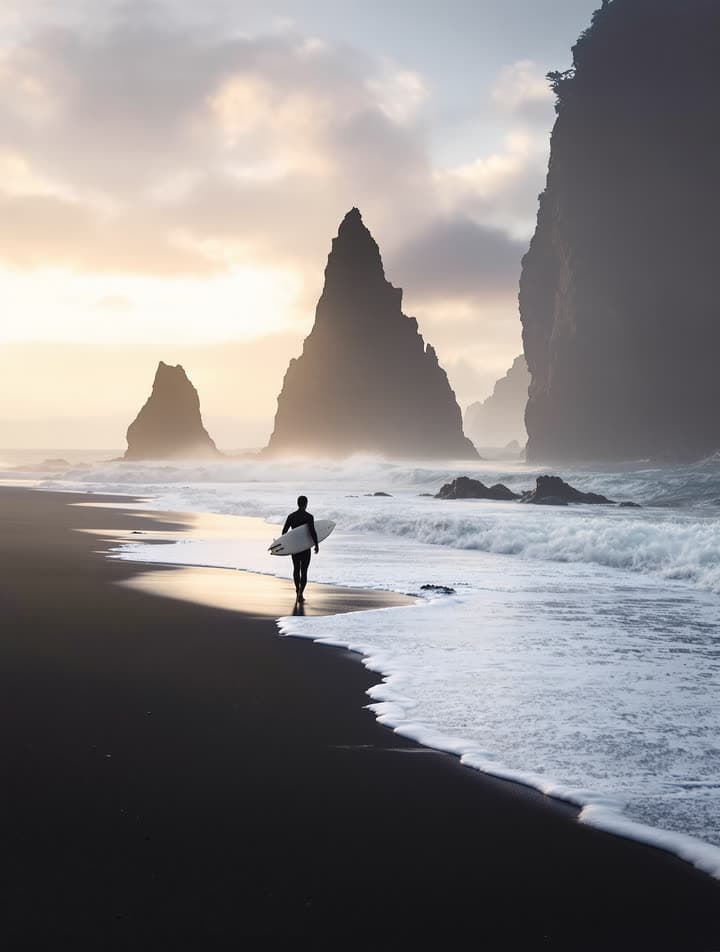
Black sandFLUX1.1 [pro] Ultra 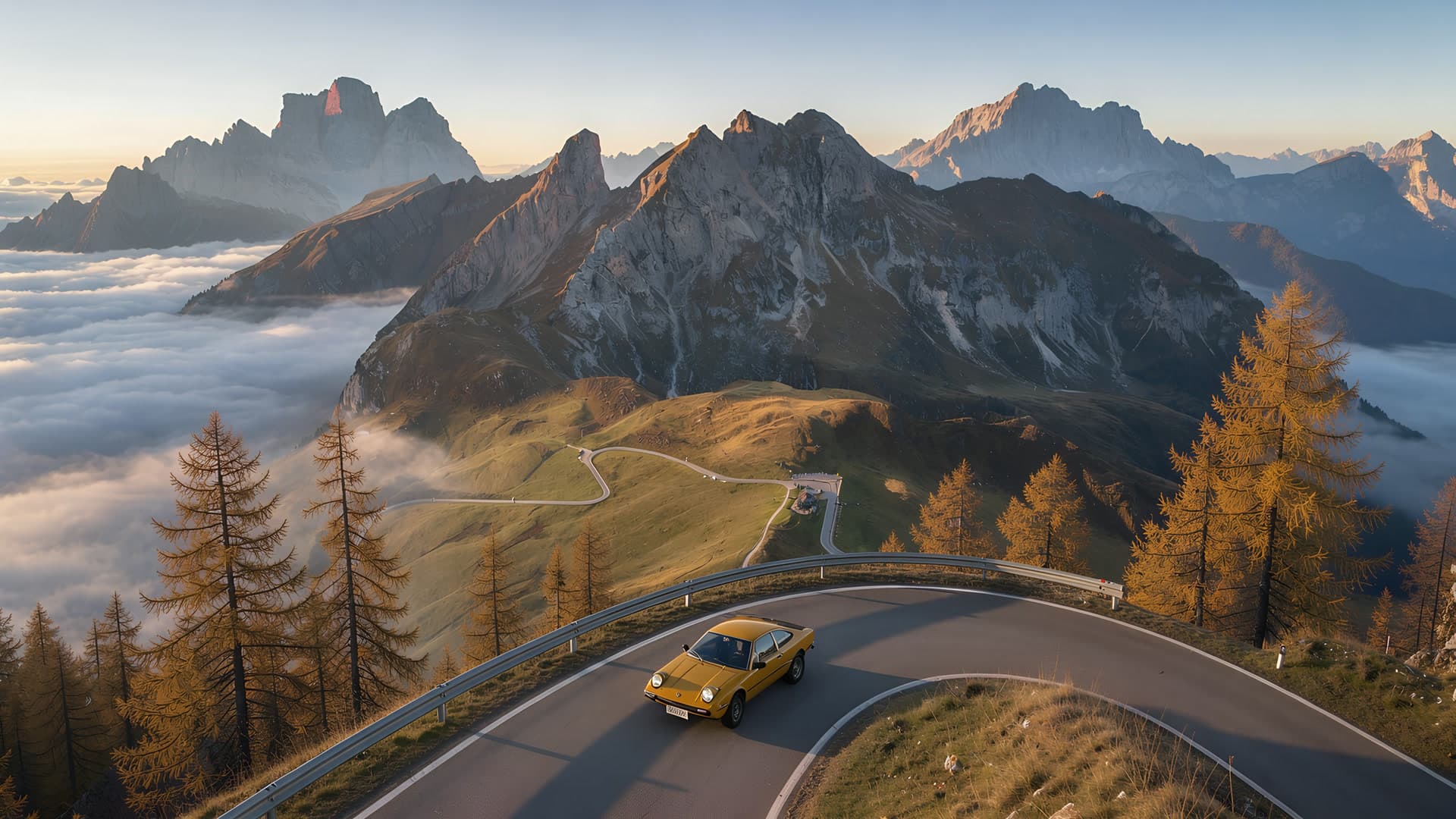
Passo GiauFLUX.3 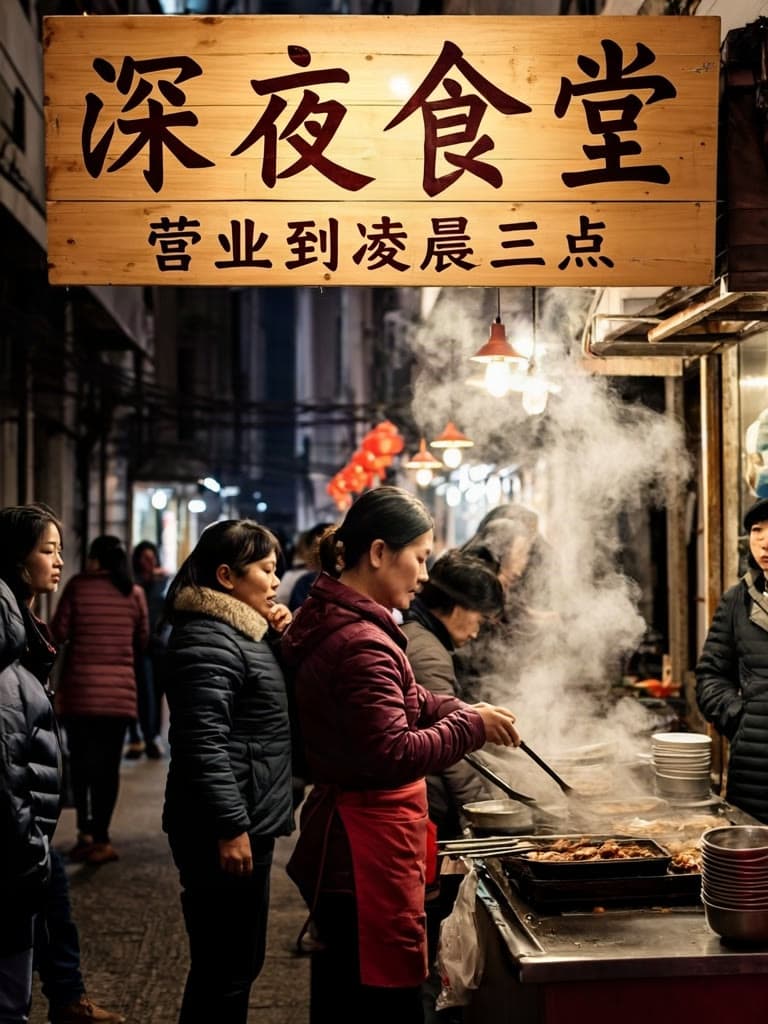
Late-night noodlesGLM-Image 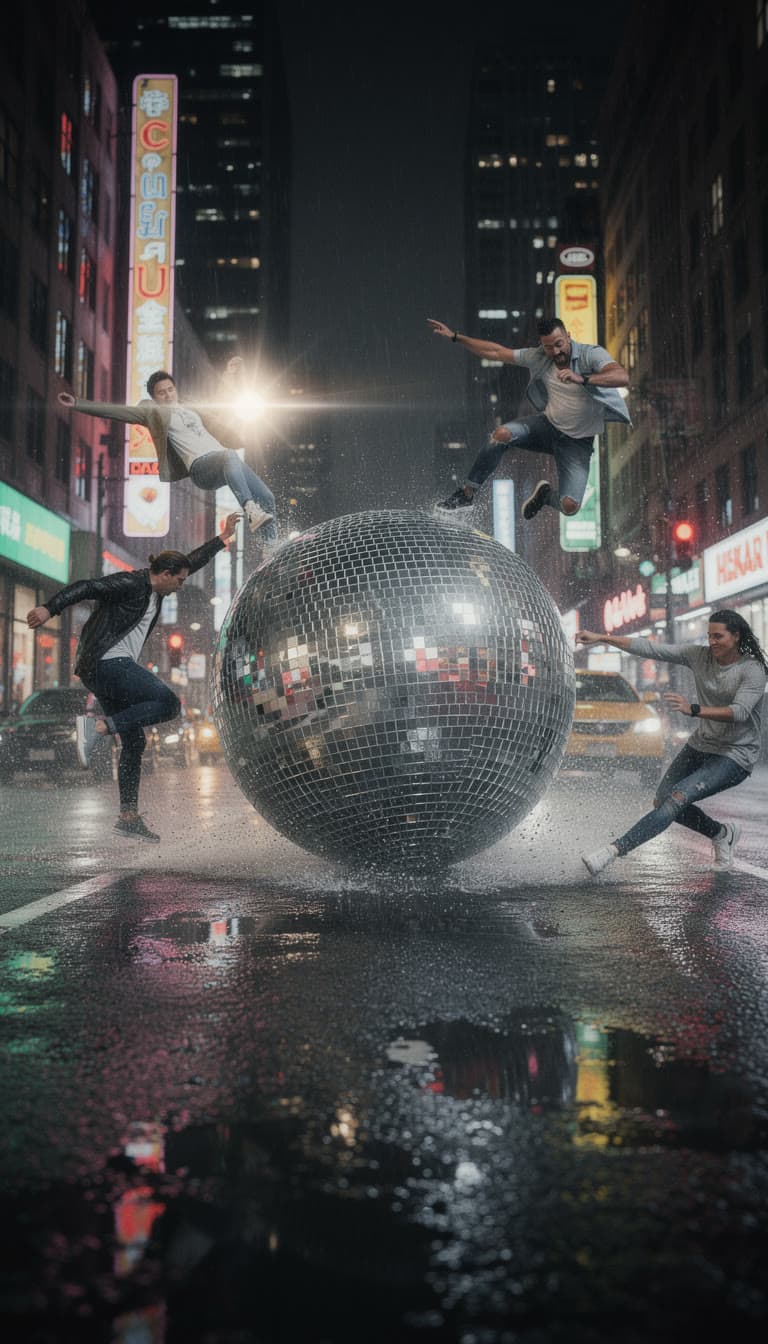
Disco ball on the looseFLUX.2 [pro] 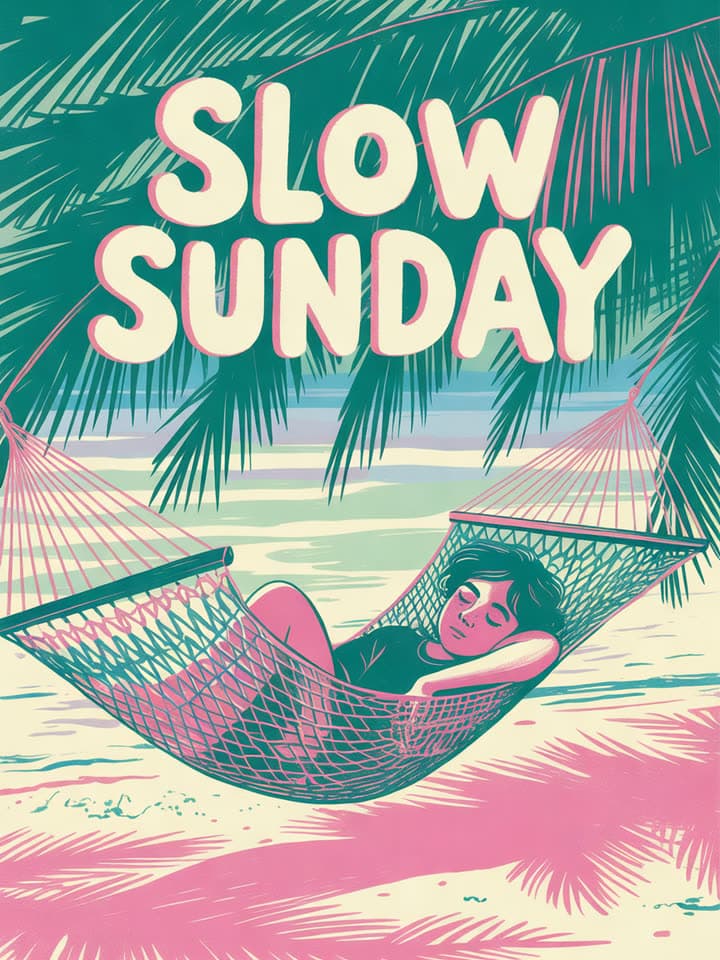
Slow SundayIdeogram 3.0 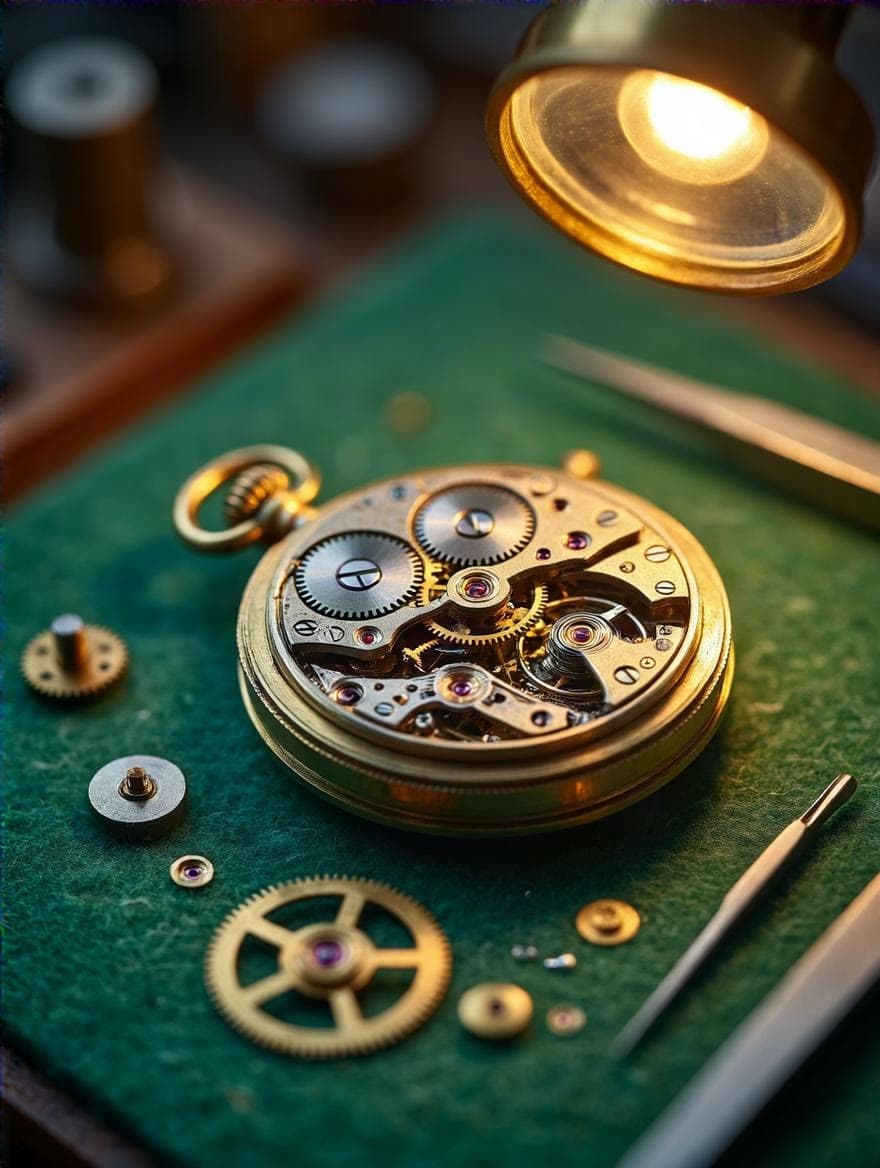
WatchmakerHiDream-I1 Full 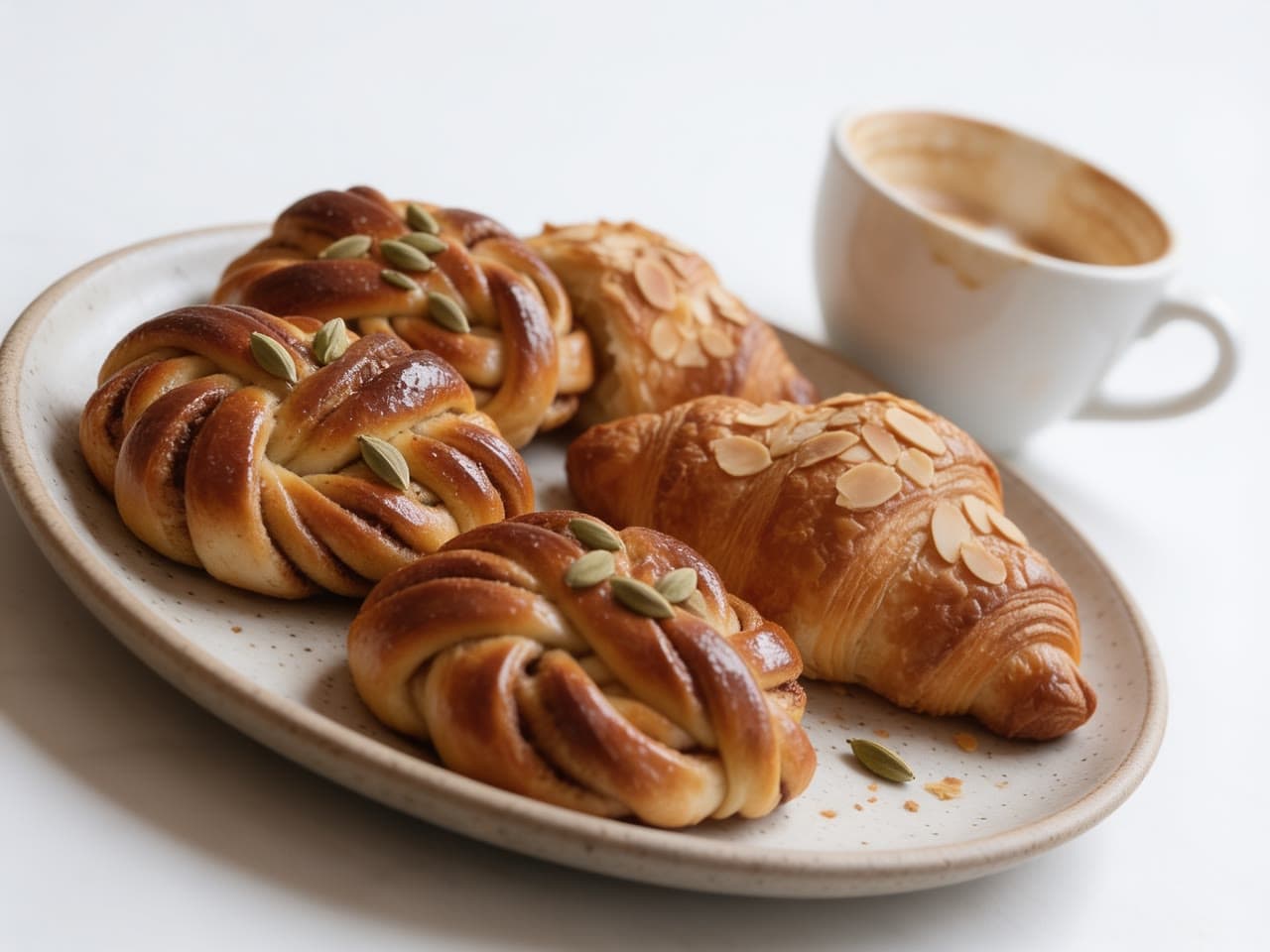
Cardamom knotsSeedream 4.5
Pick the model for the picture
Each model has its own eye. One account runs them all, so you can try the same prompt on two or three and keep the best.
- Nano Banana Profrom $0.21
Gemini 3 Pro Image: Google's best for legible text, infographics and edits of up to 6 references.
From words, or up to 6 of your photos. By Google.
Make one with Nano Banana Pro - GPT Image 2from $0.07
OpenAI's image model: precise prompt following and text, at medium quality.
From words. By OpenAI.
Make one with GPT Image 2 - Seedream 5.0 Profrom $0.048
ByteDance's newest: detailed images up to 2K and edits of up to 10 reference images.
From words, or up to 10 of your photos. By ByteDance.
Make one with Seedream 5.0 Pro - FLUX.2 [pro]from $0.041
Black Forest Labs' second generation: sharper detail and text than FLUX1.1, at a lower price.
From words. By Black Forest Labs.
Make one with FLUX.2 [pro] - Grok Imagine 2.0from $0.054
xAI's second Grok Imagine, with a 2K option and a cheaper draft quality.
From words. By xAI.
Make one with Grok Imagine 2.0 - Nano Banana 2from $0.071
Gemini 3.1 Flash Image: fast, from 512 px to 4K, with edits of up to 6 references.
From words, or up to 6 of your photos. By Google.
Make one with Nano Banana 2
Start from a photo instead
Give a model your photo and say what to change. Nano Banana Pro, Seedream 5.0 Pro and Nano Banana 2 in the box above take your photos too, and the studio has models made only for edits, like these. Drag to compare, or see more edits on the AI photo editor.
 PhotoEdited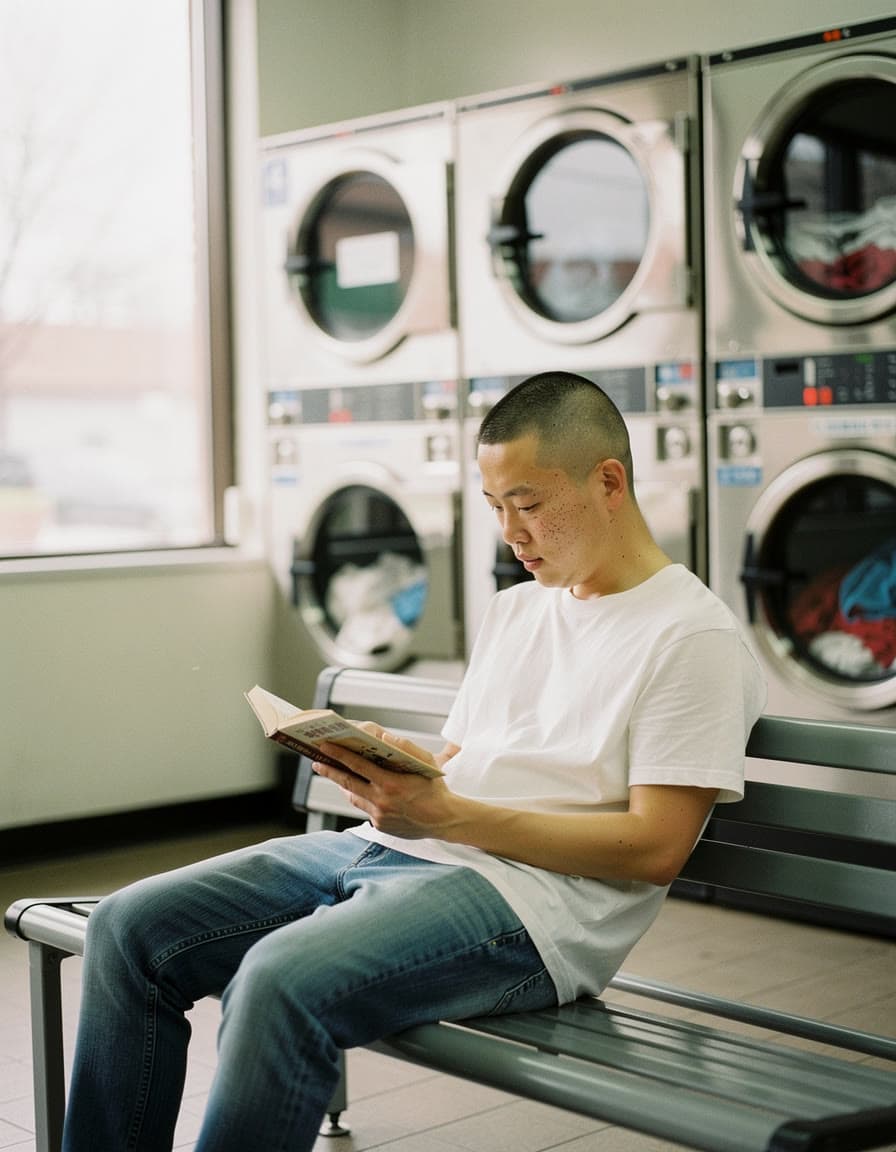
Move the scene to 2 a.m.FLUX.1 Kontext [pro]
 PhotoEdited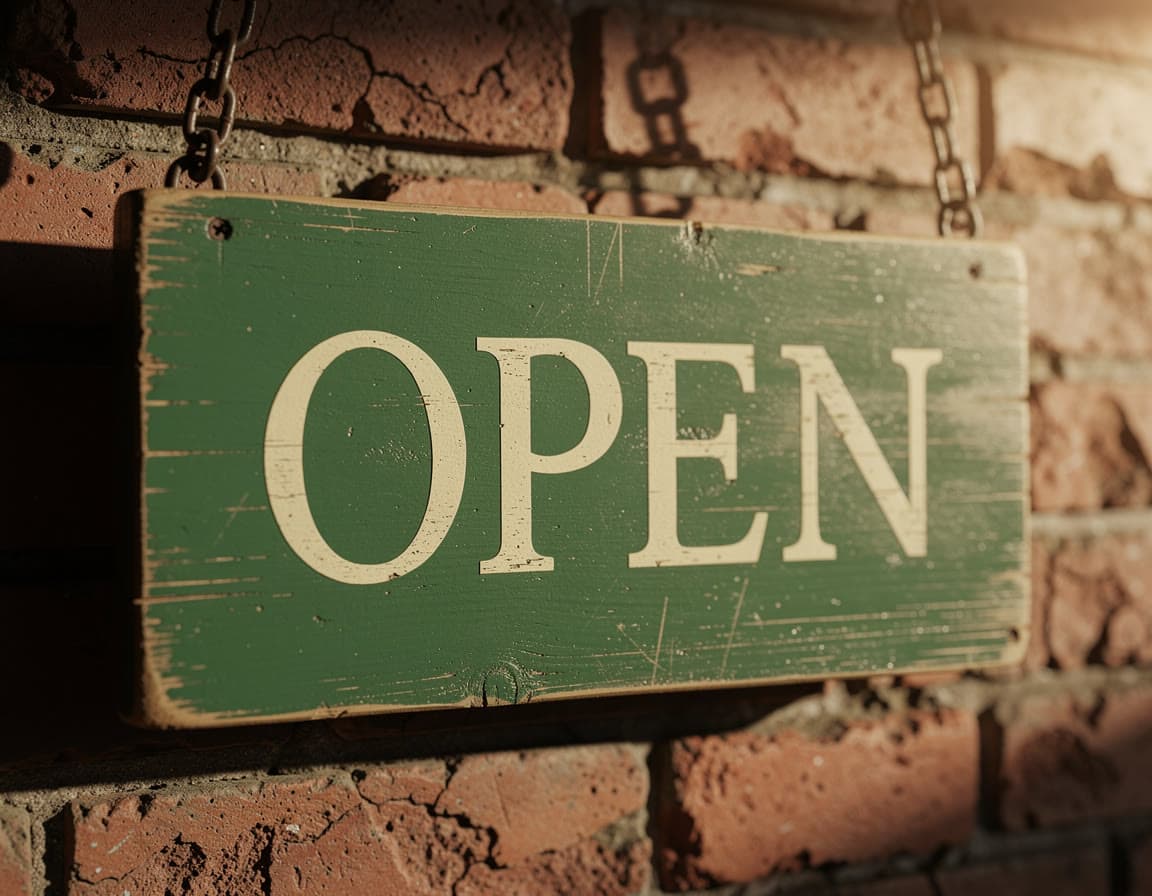
Change the words on a signFLUX.1 Kontext [pro]
 PhotoEdited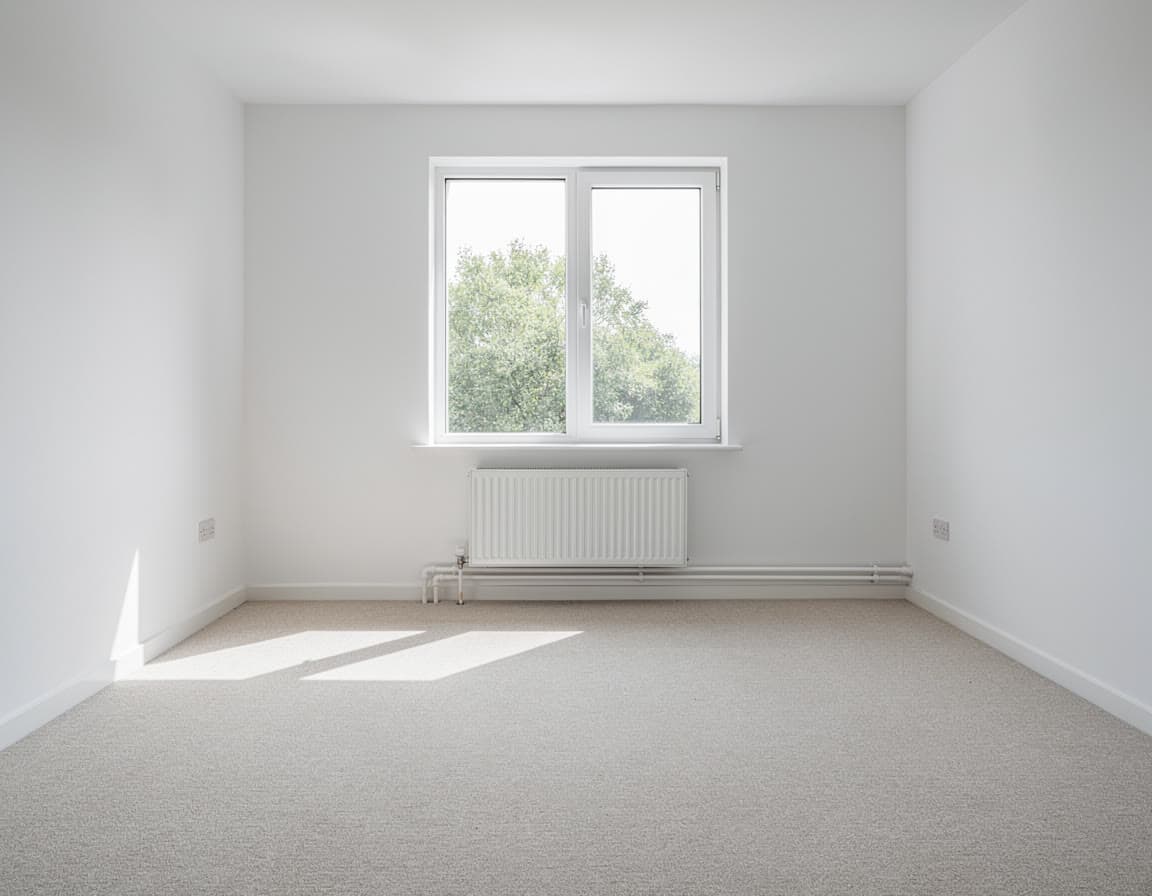
Furnish an empty roomSeedream 5.0 Flash Edit
Or let a recipe do the prompting, from one photo:
Questions
Questions people ask
- Is it free?
- No. Signing up and looking around cost nothing. You add credit from $5, and your first top-up has no card fee. $5 makes about 121 images with FLUX.2 [pro] or 23 with Nano Banana Pro. You pay per image, with no subscription.
- Which model should I use?
- Start with the look you want. Nano Banana Pro and GPT Image 2 are strong with words in the picture, like posters, covers and signs. Seedream 5.0 Pro and FLUX.2 [pro] cost a few cents an image, so they suit trying many ideas. The price of each model sits next to its name in the box, and you can run the same prompt on several to compare.
- Can I start from my own photo?
- Yes. Nano Banana Pro, Seedream 5.0 Pro and Nano Banana 2 take reference photos, up to 10 at a time: change one thing, combine several pictures, or keep the same face or product across images. Pick one of them above and add your photos after you sign in.
- Can I use the images commercially?
- Leap's Terms say that, as between you and Leap, you own the results the studio makes for you, to the extent the law allows, and they set no personal-use-only limit. In some countries AI-made images may not be protected by copyright, so nobody can promise a result is unique, and people or brands shown in one may still have rights in it.
- Do you train AI on my prompts or images?
- No. Leap does not use your prompts, uploads or results to train AI models, and does not use them in its marketing without asking you first.
- What happens if an image fails?
- It costs nothing. Only a run that succeeds is charged, and you see the price on the Generate button before you press it.
- Can I turn an image into a video?
- Yes. Any image you make can be the first frame of a clip: animate it, make the person in it talk, or open it in a video model such as Kling 3.0 or Veo 3.1.
- Is there an API?
- Yes. Every model on this page runs through one API with the same balance and the same prices as the studio. The developers page has the details.
Your first image, from one line.
A picture for your post, your shop or the group chat. Every image is priced before you press Generate.
Make an image